

What is CRM Migration?
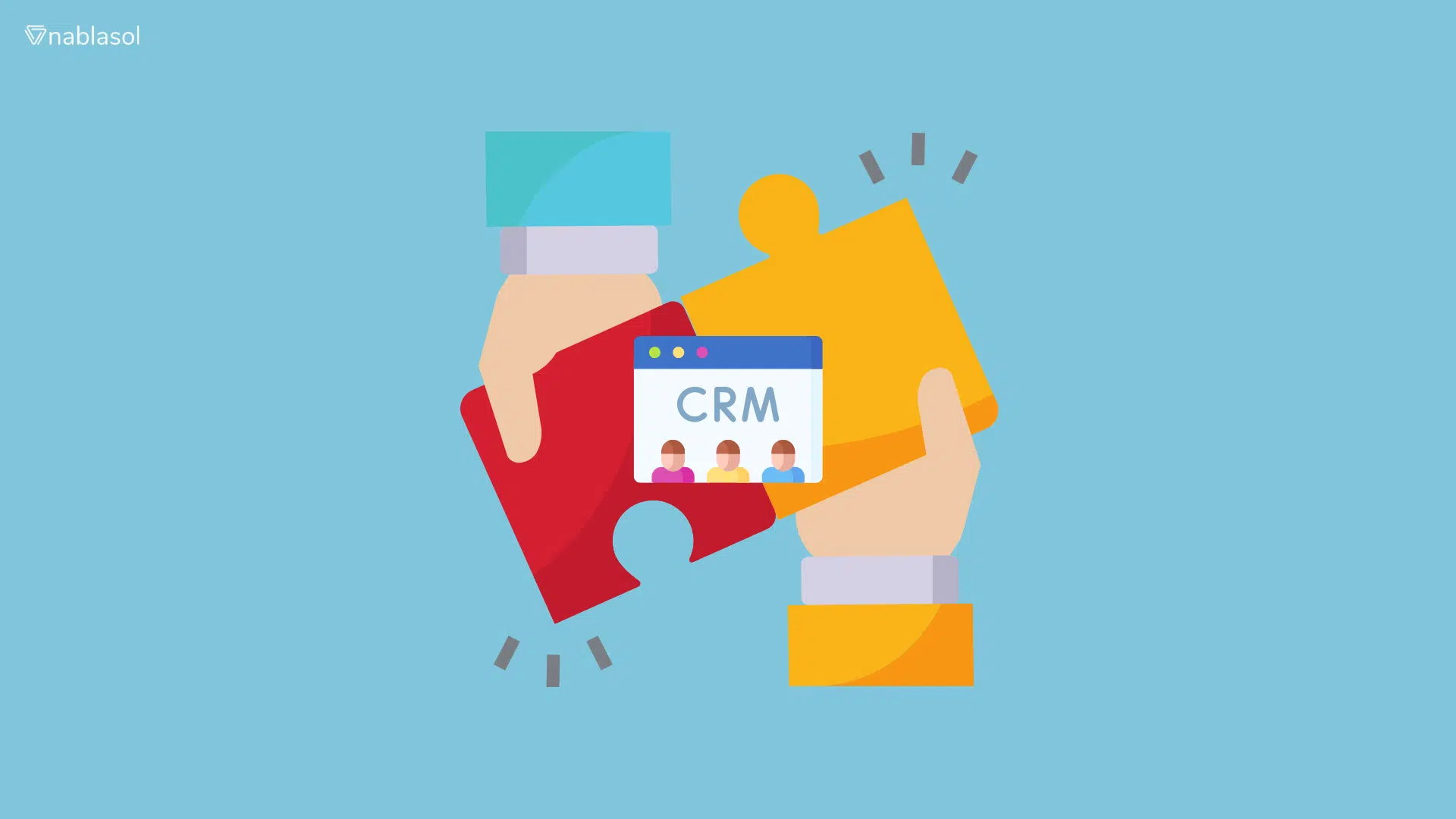
CRM migration is the process of moving customer data, records, workflows, custom fields, attachments, and integrations from one customer relationship management (CRM) system to another. The goal is to move to a system that better supports your business processes without losing important information or disrupting daily operations.
A CRM migration involves more than exporting data and importing it into a new platform. You also need to decide what to migrate, clean and map existing records, recreate essential workflows, test integrations, and help employees adapt to the new system.
Businesses typically consider CRM migration when their current system becomes difficult to maintain, no longer supports their workflows, or cannot connect effectively with other business applications.
Signs It’s Time to Migrate Your CRM
Not every CRM problem requires a new platform. However, recurring issues with performance, maintenance, data access, or workflow limitations may indicate that your current system no longer meets your business needs.
Here are six signs to consider before deciding whether to migrate.
| Warning Sign | What It Means for Your Business |
|---|---|
| Poor System Performance | Slow loading, frequent errors, or unreliable access can interrupt daily work and delay responses to clients. |
| High Maintenance Costs | Ongoing fixes, upgrades, and technical support may consume resources without addressing the system’s underlying limitations. |
| Limited Integrations | If your CRM cannot connect reliably with accounting software, document management systems, email, or other essential tools, employees may have to transfer information manually. |
| Outdated or Unreliable Data | Duplicate records, inconsistent fields, and incomplete client histories can make reporting and follow-ups less reliable. |
| Workflows No Longer Fit Your Processes | As your business grows, the CRM may struggle to support new approval steps, client onboarding processes, or reporting requirements. |
| A Custom CRM Is Difficult to Maintain | Limited documentation, dependence on specific developers, or outdated technology can make changes expensive and risky. |
For firms that manage client documents, deadlines, and sensitive information, these problems can affect more than productivity. They may also make it harder to maintain consistent records and coordinate work across teams.
Before committing to migration, identify the root cause. A missing integration or poorly configured workflow may be fixable without replacing the entire CRM. If the underlying platform cannot support your requirements, migration may be the more practical long-term option.
The CRM Migration Process: 7 Steps to Follow
A structured CRM migration process helps reduce data errors, protect essential workflows, and prepare employees for the transition. Follow these seven steps to plan and execute the migration.
Step 1: Define the Migration Scope
Start by identifying what needs to move to the new CRM. This may include contact records, companies, deals, custom fields, documents, communication history, workflows, user permissions, and integrations.
Decide what to migrate, what to archive, and what can be removed. Assign responsibilities, establish a timeline, and define measurable success criteria, such as record accuracy, successful integration testing, and user readiness.
Step 2: Back Up the Existing CRM
Create a verified backup before changing or transferring any data. Confirm that the backup can be restored and that the necessary records and attachments are included.
Document the existing system configuration, integrations, and critical workflows. Keep the source system available until the migrated data has been validated and the new CRM is operating as expected.
Step 3: Audit and Clean Your Data
Review the existing database for duplicate records, missing fields, outdated contacts, inconsistent formats, and incomplete information. Resolve issues that could create problems during import or affect reporting in the new CRM.
Agree on data-cleaning rules before making changes. Retain records that must be preserved for business or regulatory reasons, and document any decisions to archive or exclude data.
Step 4: Map Fields, Records, and Relationships
Map each field in the old CRM to its corresponding field in the new system. Check differences in field names, data types, required fields, and allowed values.
Also account for relationships between contacts, companies, cases, opportunities, and other records. Plan how to transfer custom fields, attachments, notes, and communication history where supported. Test how records and relationships will be preserved before migrating the full dataset.
Step 5: Configure the New CRM and Integrations
Set up user roles, permissions, workflows, automations, reports, and other required functionality in the target CRM. Identify which existing processes can be recreated with standard features and which need customization.
Review integrations with tools such as accounting software, document management systems, email, and e-signature platforms. Test data exchange and error handling so information continues to flow correctly between systems.
Step 6: Run a Test Migration
Migrate a representative sample of records before transferring everything. Include different record types, custom fields, attachments, and linked records to check how the migration handles real-world data.
Compare the source and destination systems. Verify record counts, field values, relationships, permissions, and critical workflows. Resolve discrepancies and repeat the test where necessary. Obtain approval from the relevant business users before proceeding.
Step 7: Go Live, Validate, and Train Users
Schedule the final migration and communicate the cutover plan to everyone affected. Depending on the chosen strategy, you may need to restrict changes in the old CRM or synchronize updates made during the transition.
After migration, validate important records, test critical workflows and integrations, and monitor errors. Train users on the new system and provide a clear process for reporting issues. Keep a recovery plan available until the migration has met its acceptance criteria.
A migration is complete when the business can reliably use the new CRM, essential data and processes have been verified, and users know how to perform their day-to-day work.
Biggest CRM Migration Risks and How to Avoid Them
Even a well-planned CRM migration can encounter problems if data, integrations, or user workflows are not properly validated. Identifying risks early helps teams prepare safeguards before the new system goes live.
| Risk | How to Reduce It |
|---|---|
| Data Loss or Corruption | Back up the source system, test the migration with representative records, and compare record counts and field values after transfer. |
| Broken Integrations | Inventory existing connections and test data flows between the new CRM and essential business applications before and after go-live. |
| Low User Adoption | Involve employees early, explain changes to their workflows, and provide practical training before the transition. |
| Missing Historical Information | Explicitly map attachments, notes, communication history, and linked records. Verify that required information has transferred successfully. |
| Reporting Discrepancies | Check field mappings, formulas, data formats, and report definitions to ensure that important metrics remain consistent. |
| Access or Compliance Issues | Review user permissions, data retention requirements, audit trails, and handling of sensitive information throughout the migration. |
Plan for Unexpected Problems
A migration plan should include clear acceptance criteria, assigned responsibilities, and a documented recovery procedure. Decide in advance how the team will respond if critical records are missing, integrations fail, or essential workflows stop working.
The recovery approach should reflect the migration strategy and the business’s tolerance for downtime. Confirm who can authorize a rollback, how changes made during the transition will be handled, and how the original system can be restored if necessary.
For firms handling legal, accounting, or tax-related records, validate access controls and retention requirements before decommissioning the old CRM. Do not assume that a successful data import automatically means the new system meets every operational or compliance requirement.
How to Migrate from a Custom or Homegrown CRM
Migrating from a custom-built CRM can be more complex than moving between standard platforms. Business rules, custom fields, integrations, and workflows may have been developed specifically for the organization, and some may not be fully documented.
Before choosing a replacement, identify what the existing system does, which functions the business relies on, and what the new CRM must support.
Key Steps for Custom CRM Migration
- Document the existing system. Review the database structure, custom fields, user roles, workflows, and integrations. Identify business rules that may be embedded in the application code.
- Identify essential functionality. Separate features that users still need from outdated processes that can be simplified or removed. Document dependencies before rebuilding workflows in the new platform.
- Extract and validate the data. Export records into a staging environment where they can be reviewed, cleaned, and mapped without changing the production system.
- Rebuild workflows and integrations. Configure the replacement CRM to support essential business processes. Reconnect external applications and test how data moves between systems.
- Validate before retiring the old CRM. Compare migrated records, test critical workflows, and confirm that users can complete their daily tasks. Retain access to the previous system until the agreed acceptance criteria have been met.
Replace, Rebuild, or Improve?
A custom CRM does not always need to be replaced completely. The right decision depends on its maintenance burden, technical limitations, and how well it supports current business requirements.
- Move to a standard CRM when its existing features can support most business processes with reasonable configuration.
- Customize a CRM platform when the business needs specialized workflows, fields, or user experiences that standard features cannot fully provide.
- Improve the existing system when targeted integrations or modifications can resolve the main problems without a full migration.
For businesses with complex requirements, evaluating the data, workflows, and integrations together helps determine the most practical path forward. A migration should preserve essential business functionality while avoiding the unnecessary cost of rebuilding processes that no longer add value.
CRM Migration Services: Plan Your Next Move
A successful CRM migration starts with a clear plan, reliable data, tested integrations, and a team prepared to use the new system. Before choosing a platform or setting a go-live date, assess your existing setup, identify what needs to move, and define how you will validate the results.
How Nablasol Can Help
Nablasol helps businesses plan and implement CRM solutions, integrations, and customized workflows. With experience across 263+ digital solutions and 125+ system integrations, the team can help assess migration requirements, including projects involving complex integrations or custom-built CRM systems.
Planning a CRM migration? Contact Nablasol to discuss your current system, migration requirements, and the next steps for your business.
FAQs about CRM migration
What is the difference between CRM migration and CRM integration?
CRM migration moves your data and processes from one CRM to another, once. CRM integration connects your CRM to other systems, such as accounting, document management, email, and ERP, so data syncs continuously. Most migrations include integration work, because every connection to the old CRM must be rebuilt. Sometimes CRM integration alone fixes the problem that prompted the migration.
Can I migrate my CRM without downtime?
Downtime can often be minimized, but eliminating it entirely depends on the systems involved and the migration approach. Phased or parallel migration may help maintain operations during the transition, provided data synchronization is managed carefully. Plan the cutover, communicate any restrictions, and establish a recovery procedure before going live.
What tools can automate CRM migration?
Many CRM platforms provide native import tools for straightforward transfers. More complex migrations may require dedicated migration utilities, APIs, or integration platforms to handle custom fields, relationships, and data transformations. Choose tools based on platform compatibility, data complexity, validation capabilities, and the level of control your project requires.